

Self-service displays
Customers find it and handle it themselves
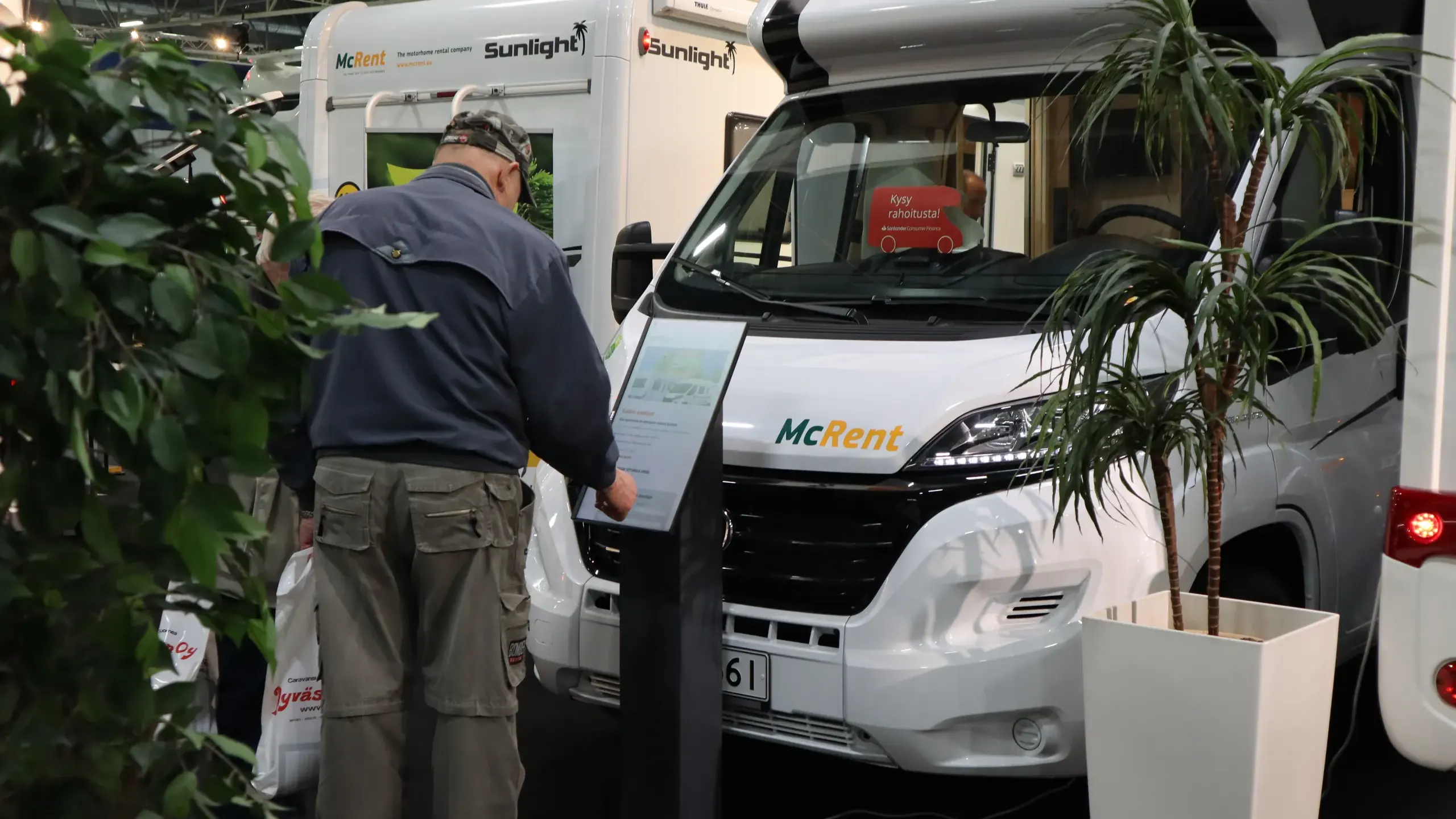
Wayfinding, product information and contact requests at a touch. A self-service display serves in the lobby, the store and at trade fairs, even when staff are elsewhere.
Where it fits
Four jobs the display takes care of
Wayfinding
Visitors find the right place on a map in a mall, on a campus or in a building.
Products and services
Customers browse the range and details themselves in the store or at a trade fair stand.
Contact and booking
Visitors leave their details or book a time. The request is saved.
Feedback and surveys
Feedback, surveys and polls right on the screen.
Two modes
Media surface at rest, service at a touch
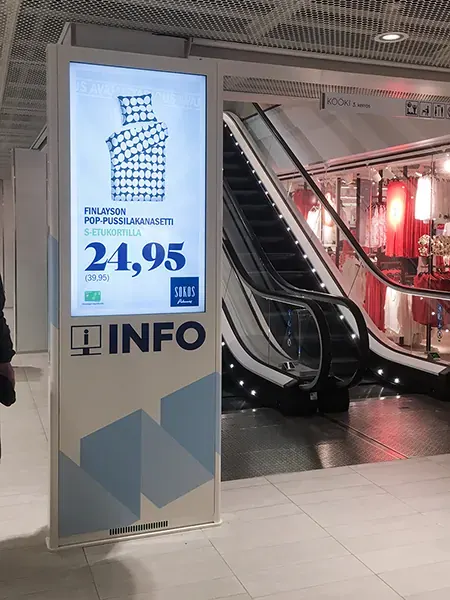 At rest
The display advertises
When nobody is using the display, it shows campaigns and notices.
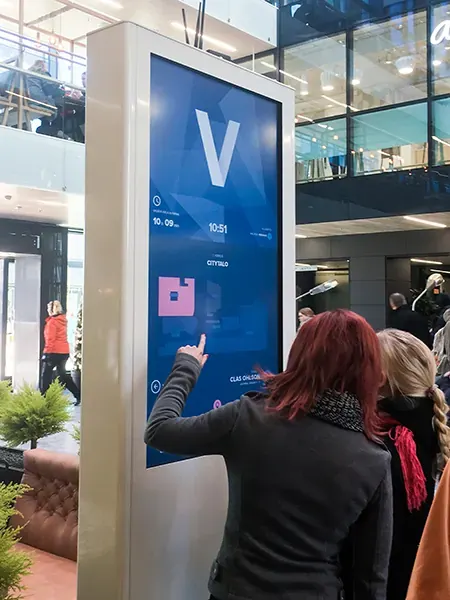 At a touch
The display serves
One touch opens the map, the products or a form.
Photos: Kauppakeskus Valkea
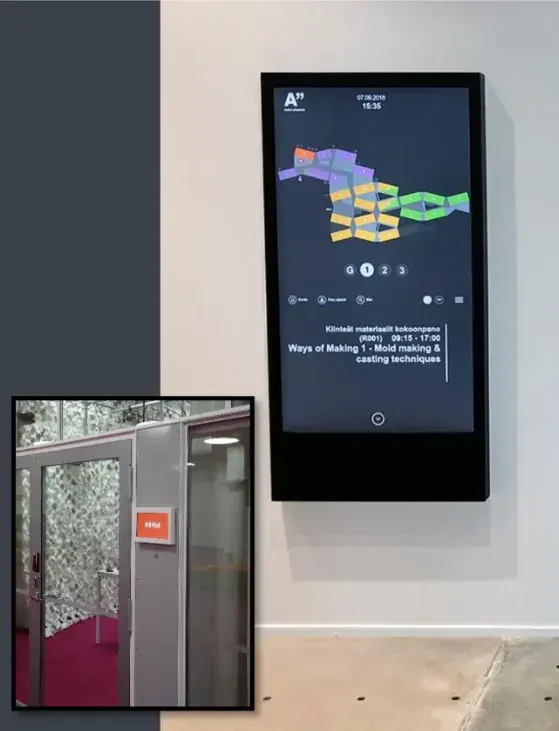
Customer example
Aalto-yliopistokiinteistöt
Galaxo Infochannel TOUCH wayfinding totems on campus.
- Interactive map, events and lectures
- Media surface when wayfinding is not in use
- Integrations with HSL, Amica and Sodexo systems, among others
- Designed and made in Finland, partnership since 2012
Read the full reference“With the Galaxo system we can tell the people who use the spaces about our development work, and show in practice how much the property is consuming right now and how the users themselves can affect their consumption with small everyday actions.”
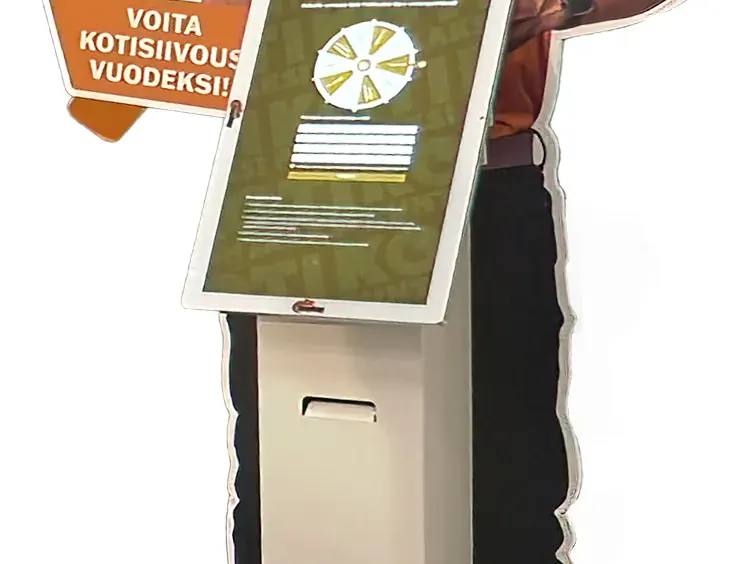
Liidilinko service kiosk
Koti Puhtaaksi Oy
A service terminal collects contact details for customer acquisition. Three units in use, and according to the customer, more than 1,000 leads so far.
Read the full referenceHow it goes
Live in four steps
1. Site survey
What customers need to handle themselves, and where.
2. Screens
We design clear paths, signage and forms.
3. Installation
We deliver, install and connect the display to Infochannel.
4. Care
Updates, predictive monitoring and support.
What you get
The device on site, the software behind it
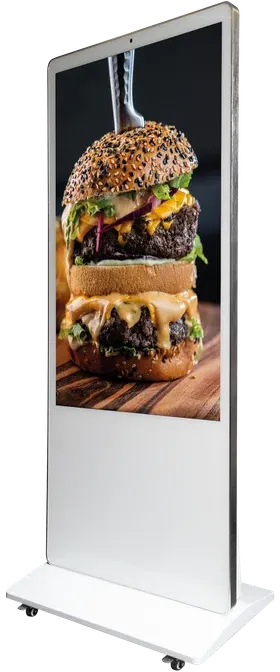
Totem display
A large free-standing display for lobbies, corridors and malls.
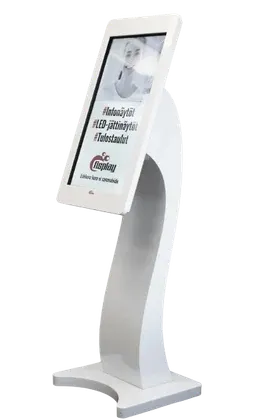
Service terminal
A terminal on a stand for counters, trade fairs and entrances.
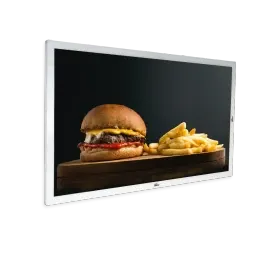
Wall display
A wall-mounted touch display for wayfinding and information.
Content in Galaxo Infochannel
With the kiosk feature, visitors browse content themselves. The feature is part of the Pro service level.
Buying from us is easy
Two ways to start
Start in the webshop. If the whole needs an assessment, we will build the solution with you.
Self-service in the webshop
When you know what you need. Order the software and a digital signage display straight from the webshop. Order easily here.
Open the webshopLet's design it together
Effective digital signage takes many small wins — let's design the most effective solution for your organisation together. Get in touch with a professional.
Let's plan your self-service display
Tell us what your customers want to handle themselves, and we will come back with a proposal.