







Digital signage solutions

Digital signage that delivers results

Clear messages for customers and staff — software, content planning, professional displays and care from one partner.

All about digital signage.

Effective digital signage communication is built on:

  1. Modern, easy-to-use software
  2. High-quality, versatile hardware
  3. Content that is always up to date, automated and good-looking

Before buying a digital signage system, form a clear picture of what you want it to achieve. Is the need external communication (marketing) that should attract more customers or sell more? Or is it internal communication, so staff stay up to date on the organisation's key messages?

Once the need is clear, it is easier to integrate the software so it is easy to use, and to choose the right displays for each location. What matters may be the right brightness or operating hours. Screen size also matters.

A correctly sized information display with good content is an effective way to communicate with customers or staff. Integrations help ensure the screens always have interesting, good-looking content that fits the purpose. That is how you can double the effectiveness of your communication.

What to understand before you buy

Content

Up-to-date, automated and good-looking content

We deliver digital signage solutions and help you get the most from every display: we plan the content ourselves, or we consult when an agency already produces it.

  • Modern solutions

    We've built solutions with partners where AI generates real-time content for traffic, production and other critical processes.

  • Media, integrations and data

    Text, infographics, Power BI data, PDFs, images and video — plus external sources like weather and timetables. Content created with Google's tools links cleanly to displays (Looker Studio, Slides, Docs, Sheets). Bring in video from YouTube or your own storage.

  • Microsoft Power BI

    Our digital signage software surfaces Power BI data live across selected displays and groups — finance, sales and customer-facing views, each with its own context. The integration is implemented securely via Microsoft Azure AD; you author reports in Power BI and publish them to chosen displays via the display management system.

  • Make use of the whole screen

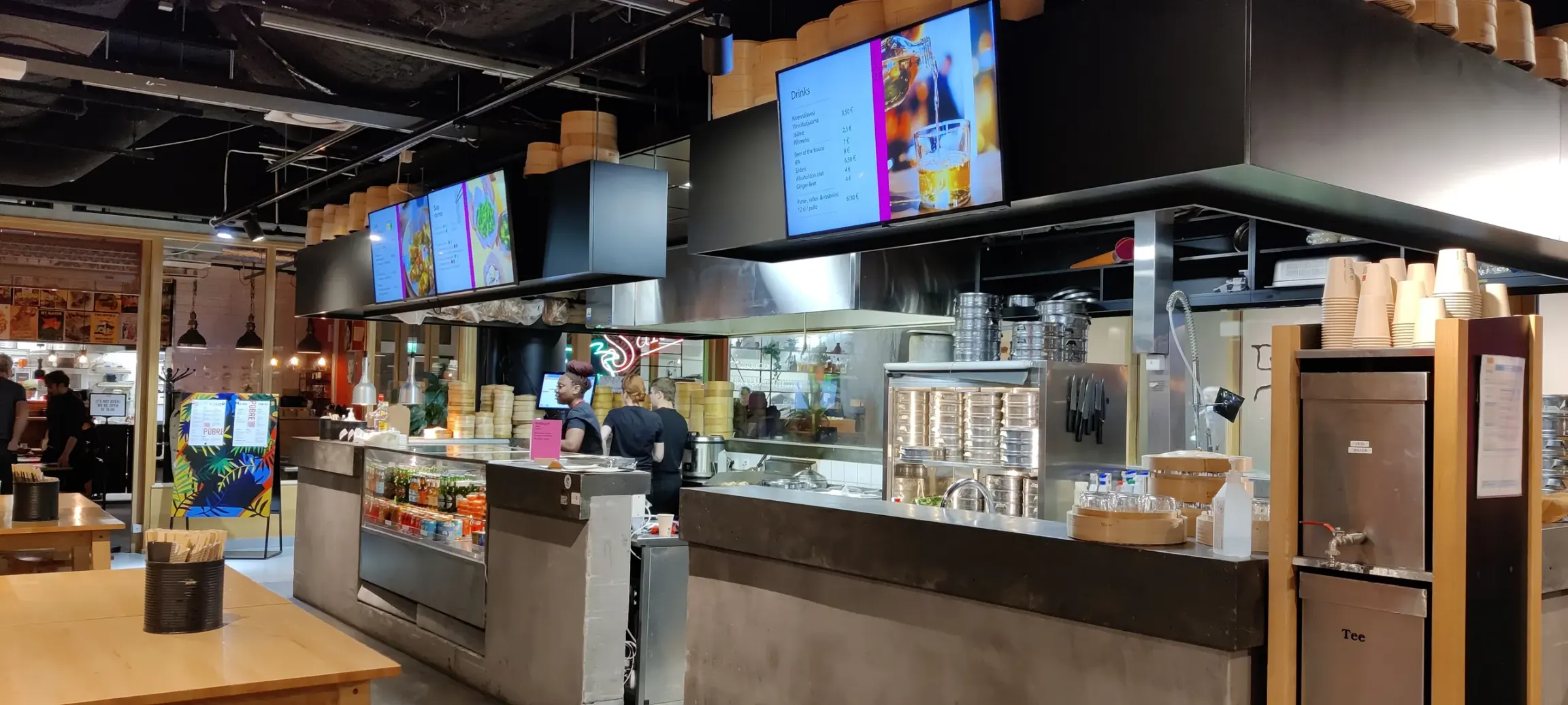
    Split the screen into zones: the logo in a fixed spot, the rest filled with a lunch menu, bus timetables and ads. In cities, airports and other environments a single surface can combine real-time traffic, weather and advertising.

Quality hardware

High-quality, versatile displays

A map of display types. Tell us the goal and we'll propose the right package — detailed specs live in the webshop and the deeper sections. Software is covered first on this page because it sits at the heart of a purchase.

  • Indoor displays

    Professional quality for continuous use — offices, lobbies, stores and shared spaces.

  • Window & high brightness

    Visibility in backlight and window heat: high brightness and a heat-tolerant build for shop windows and façades.

    Browse the shop
  • Outdoor displays

    Weatherproof, bright and vandal-resistant solutions for yards, parking and wayfinding.

    Explore outdoor displays
  • Touch & kiosks

    Self-service, wayfinding and activation — smartphone feel at large scale.

  • Large-format LED

    Seamless surfaces at any size — malls, arenas and high-visibility façades.

    Explore Galaxo LED displays

Partners

  • LG
  • ALSO
  • Grenke Leasing
  • Siemens Leasing
  • Maninvan
  • Samsung
  • Philips

What does digital signage cost?

Price depends on size, environment and service level. Professional panels are built for continuous 24/7 use. As a full package (hardware + software + install + support) the investment is often cheaper than buying the pieces separately.

Browse displays in the shop

Digital signage

Information displays: the highway of communication

An information display, or digital signage is a system: management platform, display network and professional-grade displays — information displays, touch screens, outdoor displays, large-format LED or service kiosks. The hardware has to withstand continuous use, suit the ambient light of its environment and be compatible across the network.

Displays sold by Galaxo are tested as part of the wider system. Existing displays can be brought in via a separate media player.

Information displays inform, guide and market in companies, municipalities and public spaces — both internally and externally. They have become a familiar presence in cities, shopping centres and transit hubs.

See references
Large indoor information display in a shopping centre

Examples of municipal use cases

  • Communications

    Up-to-the-minute information, events, traffic disruptions and — when needed — emergency alerts and instructions.

  • Municipal services

    Information about services — health centres, libraries, waste management, public transport — easy to find.

  • Advertising

    Selling ad space to local businesses can fund the system and the services around it.

  • Educational institutions

    School-specific and shared content; students can produce material as part of their studies.

  • Public transport

    Bus and train schedules and live travel info for trip planning.

  • Environmental awareness

    Energy-saving tips, recycling and sustainability messaging.

  • Participation and feedback

    Touch screens point users to online polls and feedback; appointment booking for municipal services.

  • Local history

    The history and traditions of the municipality, made visible to residents.

Effectiveness depends on location, content and design. Get in touch — we'll tailor a solution to your needs.

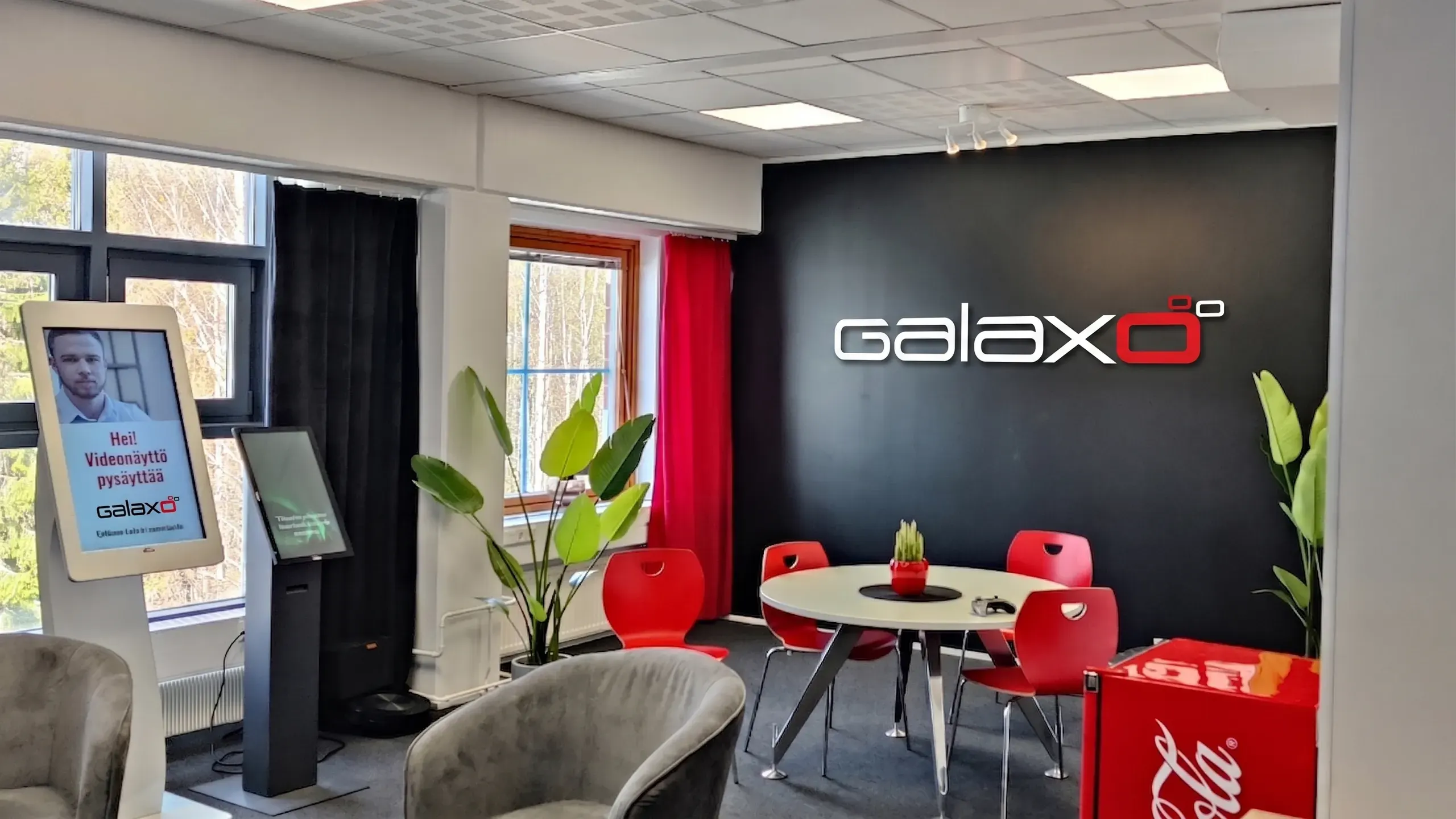
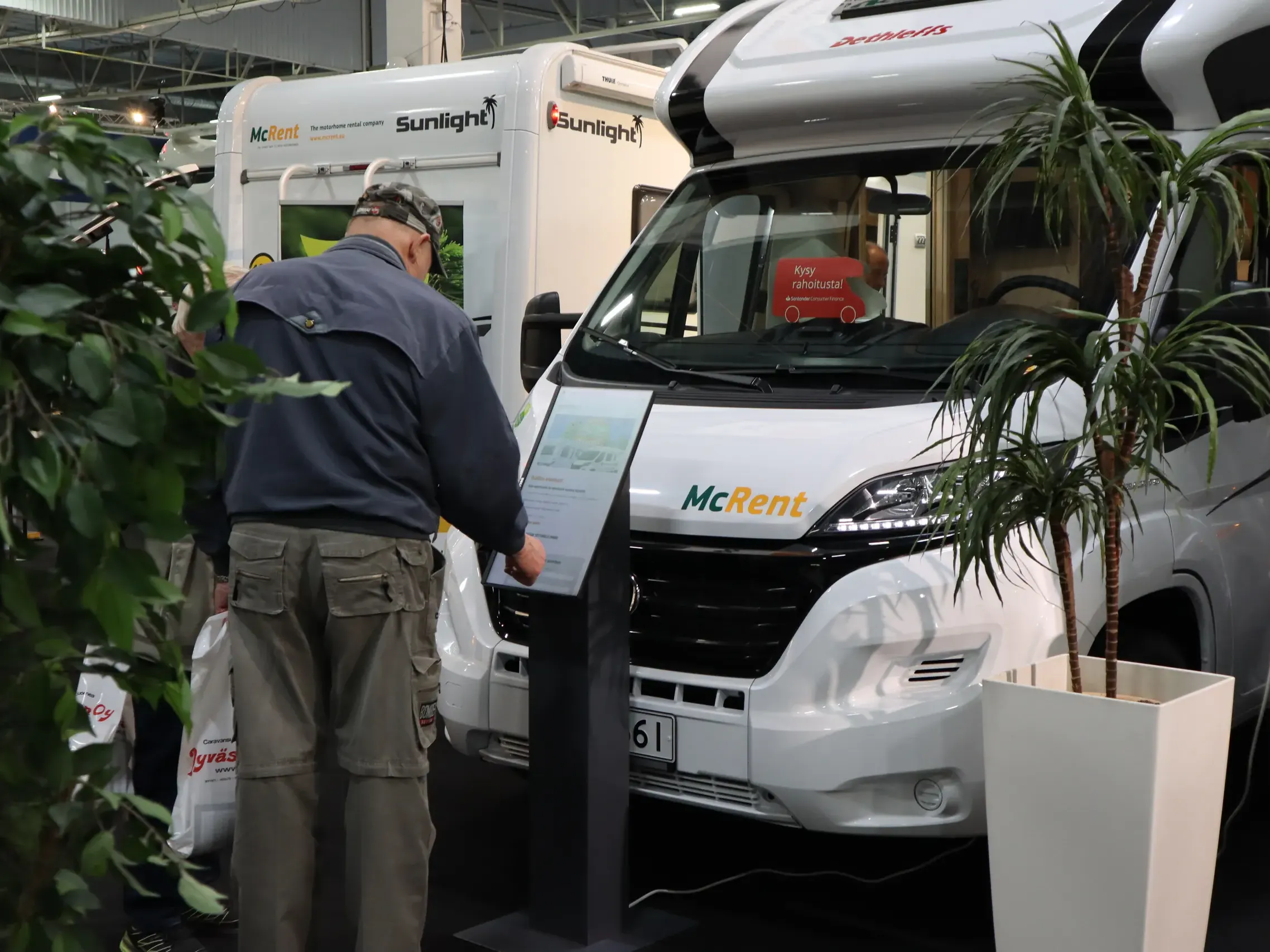
A touch screen or service kiosk in customer use

Interactivity

Touch screens: memorable interaction

A touch screen is the interactive form of an information display: the user controls content directly from the surface. The technology is familiar from smartphones and is becoming widespread in the signage world.

Touch makes use intuitive — education, healthcare, retail, trade fairs and wayfinding are typical use cases. Apps and gamified elements bring communication to life.

Two main technologies exist: capacitive (fast, multi-touch, the dominant choice in professional use) and resistive (cheaper, stylus-friendly; rarer today).

Outdoor

Outdoor displays

Outdoor displays are designed for weather, temperature swings and direct light. Solutions range from wall-mounted units to stands, suspended units and totems. A professional enclosure and IP rating keep the display running through the seasons.

Fan-cooled units and air-conditioned sealed enclosures meet professional IP classes; sizes typically run large. Even bigger surfaces are best built as large-format LED. Resolution is at least Full HD or 4K for close viewing distances. Touch is available as an add-on for many outdoor models.

Weatherproof outdoor displays, IP ratings and totems — read more about outdoor displays.

Learn more about outdoor displays

Modular construction

Large-format LED

A large-format LED screen is built from cabinets and modules joined into a seamless surface. Individual modules can be swapped if a fault occurs. The maintenance approach is chosen to fit the venue and budget (rear-only, or front- and rear-serviceable).

The full installation is tailored to the space and use. LED is a major investment — bringing in a professional designer pays back. Poor component choices show up as dead pixels, short lifespan and weak spare-part availability. Regular maintenance extends the lifecycle.

The range also includes magnetic-mount solutions for curved surfaces — perfect for striking LED walls.

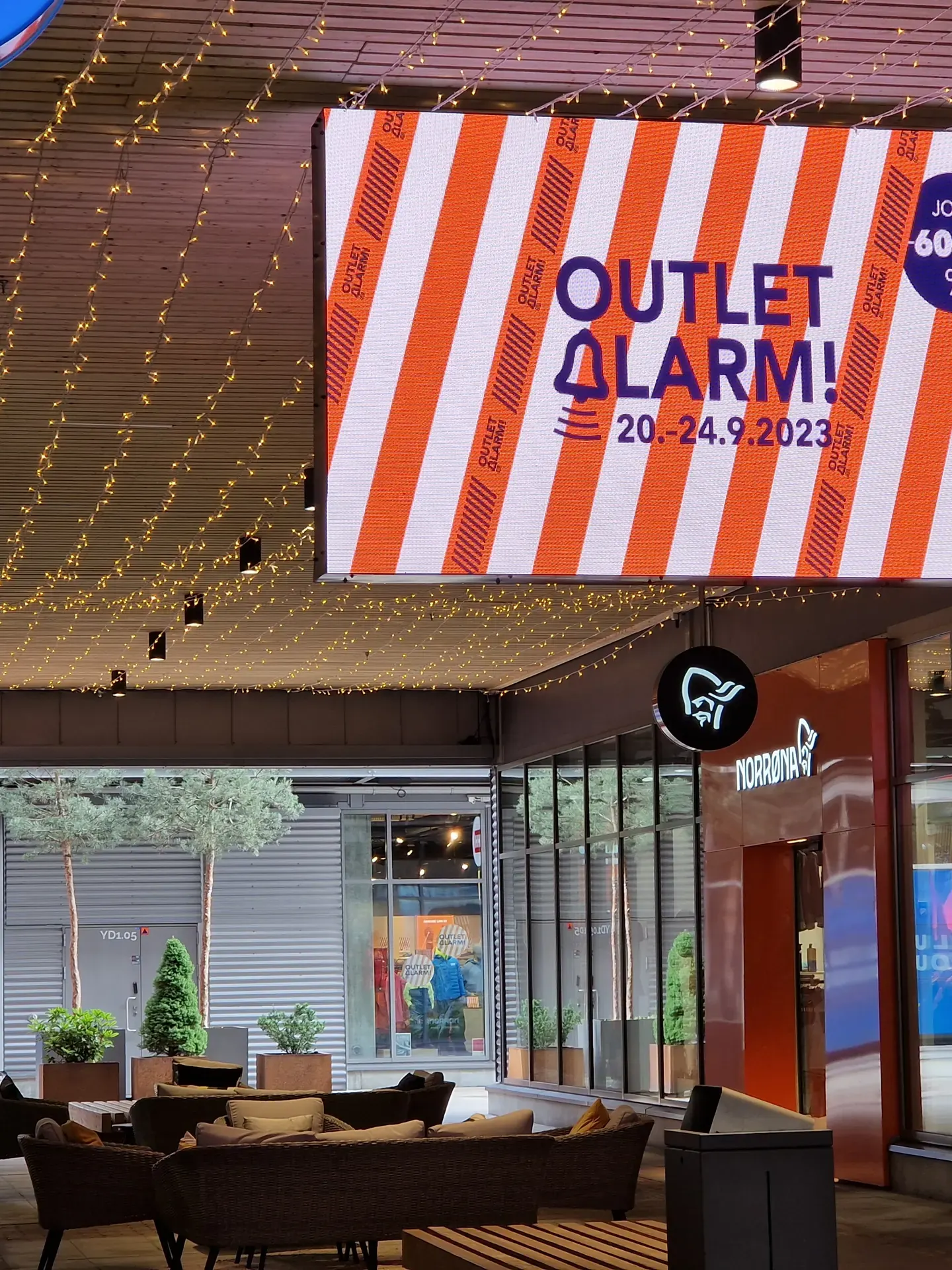
A large-format LED screen or digital wall

LED in sports and sponsorship

  • Advertising and brand visibility

    High-visibility placements for video, image and text — including visibility tied to game-time moments.

  • Dynamic advertising

    Multiple ads during the same event — more value for sponsors.

  • Co-promotions

    Contests and campaigns engage the audience and attract sponsors.

  • Stats and information

    Match stats and player profiles; sponsors can attach their brand to live moments.

Large-format LED can be managed from the same platform as the rest of your displays — digital signage management.

Compare Galaxo LED series differences on Galaxo LED video walls. More angles on advertising and visibility on our references page.

Prevention first

Care and warranty for large-format LED

The fixed-price care plan is designed especially for large-format LED. For information displays and other devices we tailor service and support to your needs.

Our large-format LED comes with an optional care plan: a fixed-price package that keeps operations smooth and avoids surprise repair bills. The plan extends the device warranty and includes an annual service with component check and cleaning.

For other devices the manufacturer's warranty applies. Monitoring included with our display management system's Pro tier often catches faults before users even notice them.

Tailored requirements

Buying a display

When buying a display, several factors and features matter so the screen fits the use case and the budget. Weighing them carefully turns a digital signage purchase into a long-lived, high-value investment.

  • Size and resolution

    Display size and resolution determine how well the screen suits its purpose. A larger display offers more space for information but may cost more. Resolution drives clarity for image and text — the closer the viewing distance, the higher the resolution needed. Large-format LED has lower pixel density, but images look crisp from a distance.
  • Brightness and contrast

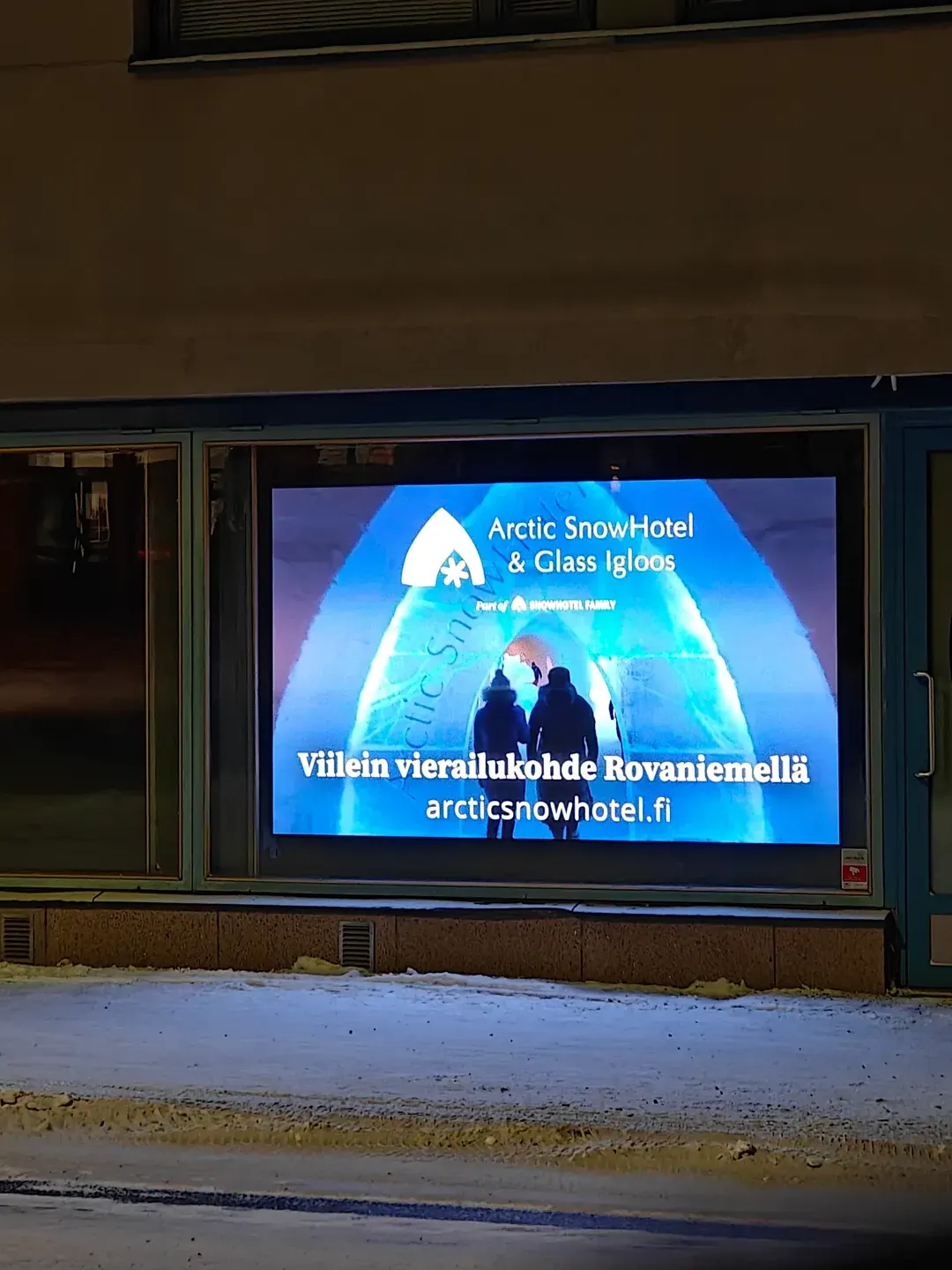
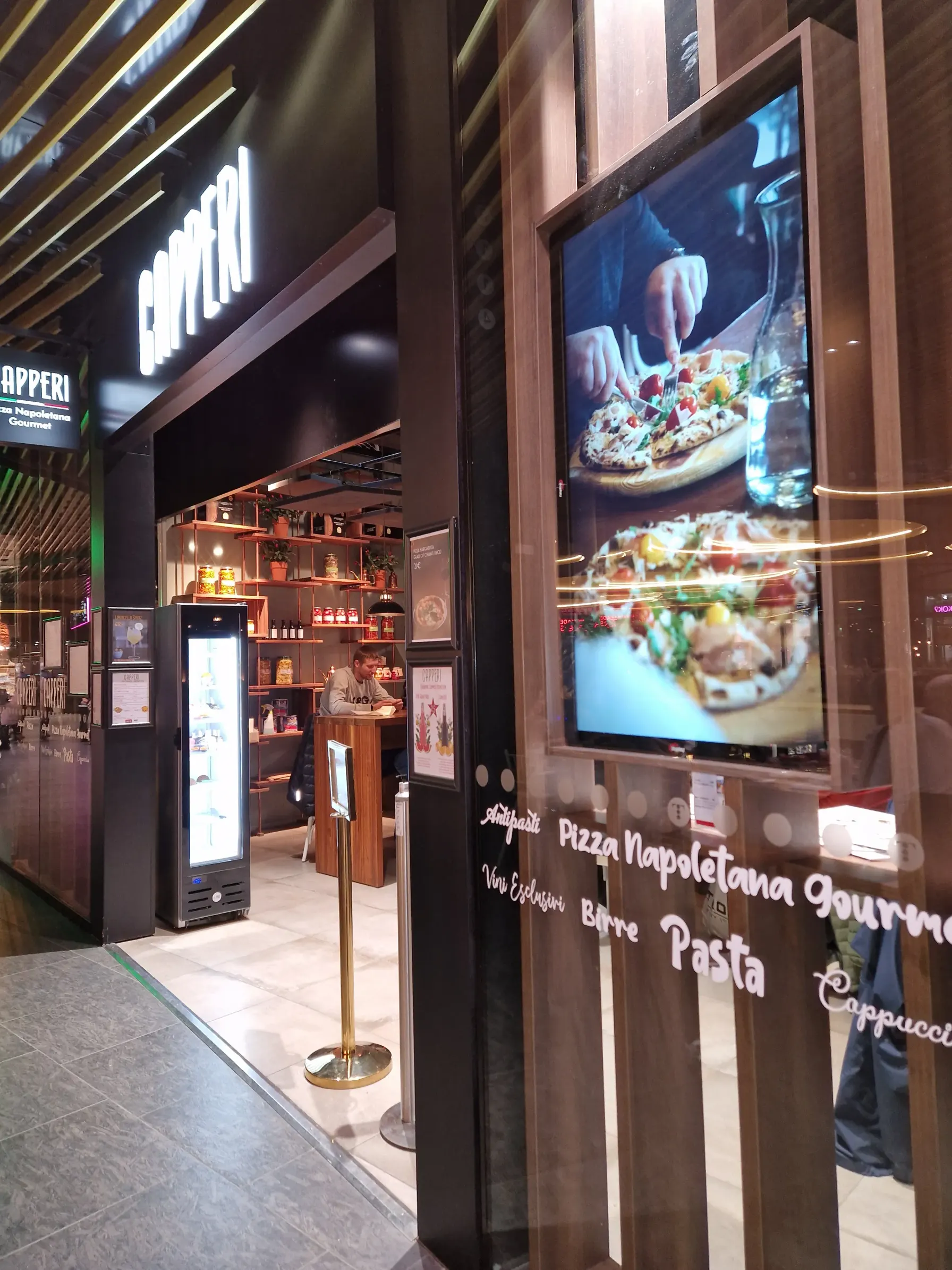
    Lighting drives visibility. Pick a display with the right brightness and contrast for your environment: standard TV brightness is enough for an ordinary room, while shop windows and outdoor sites need significantly more brightness so content reads even in direct sunlight. Brightness is measured in nits — the higher the figure, the brighter the screen. A typical home TV runs around 250 nits; Galaxo's outdoor displays and totems can go into the thousands. For large-format LED, the install location drives the choice — bright sun calls for more output. Most professional displays include automatic brightness adjustment that balances the image to ambient light.

  • Durability and weather

    If the display is outdoors, choose a weather- and UV-resistant model. Indoor displays don't survive rain or direct sun. A standard TV is built for indoor use and limited daily hours. For professional use, pick a 24/7-rated display even though it costs more.

  • Use case

    Decide what the display is for: advertising, information sharing or interactive use? Plain text doesn't need much; for images and video pick a higher-quality display so colours stay saturated and motion stays smooth. The use case drives size, technology and features.

  • Compatibility with digital signage solutions

    Make sure the display works with the required software and operating systems so content is easy to update and manage. The most reliable way to build a working network is to source displays and management software from one supplier — Galaxo's displays are tested as part of our digital signage software. Existing displays can usually be brought in via a separate media player.

  • Cost

    Display pricing varies with model and feature set. A high-quality display is usually a long-term investment, but the budget needs to be realistic.

  • Connectivity

    Check that the display has the connections you need — HDMI, USB, Ethernet and wireless — so it integrates smoothly with other devices and your network.

  • Management and upkeep

    Assess how easy management and upkeep are. A clean interface and remote updates save time and effort.

  • Warranty and service

    Check the warranty and service availability — they shape long-term reliability and predictability.

Outdoor display on a shopping-centre façade
Window display in a retail space

Easy-to-use digital signage software

Manage every display from one easy-to-use system

Technology has put display systems within reach of even small organisations. Open communication and timely marketing matter more than ever — the value of information keeps growing. Start with a single screen and scale the network later.

With easy-to-use digital signage solutions you can manage either a wide network or a single display. Our digital signage software supports information displays, touch screens, service kiosks, outdoor displays and large-format LED.

Illustration: content managed from a phone showing on information displays

How you use it

Manage everything from a browser on a phone, tablet or laptop. Bring both new displays and existing devices online via media players. The platform scales from a single screen to broad, custom rollouts.

What it does

Each display or display group can have its own view: dedicated information for staff areas; product information, news and ads in customer-facing areas. Schedule displays, build campaigns and weekly calendars by time of day and day of week.

Signage software and ongoing development

Galaxo develops and maintains its own signage platform — releases and customer-specific needs travel the same path.

Partner

Why choose Galaxo?

Every space and communication need is unique. That is why we curate the hardware, develop special solutions around the intended use, and keep quality control in Finland.

  • Tested and curated products

    Only technologies we know work reliably — even in demanding environments — make it into our range.

  • Own R&D and special solutions

    We develop specialised display solutions — exceptional brightness, custom size or form — when the brief demands it.

  • Finnish quality control

    We use global manufacturing capacity, but we own the technical design, specifications and rigorous quality control ourselves.

  • One owner for the whole chain

    If the display, the software or the content needs help, you call us.

Our goal is a clear message and reliable performance, designed around your needs.

What you gain

Digital signage boosts marketing, internal comms and wayfinding

Motion gets noticed. Displays strengthen advertising, brand, announcements, wayfinding and customer service.

  • Marketing and sales

    Campaigns, offers and product messages where the customer already is — lobby, store floor or shop window.

  • Internal communication

    Up-to-date guidance, safety messages and company news in staff areas — without another email flood.

  • Wayfinding and service

    Findability, queues and self-service improve when the right information is in the right place at the right time.

  • Make data visible

    Power BI, schedules and integrations bring metrics and live status to the screen automatically.

One partner

Digital signage services from a single partner

Software, hardware and lifecycle — the same team knows the displays and the the display management system.

  • Signage software and ongoing development

    Galaxo develops and maintains its own signage platform — releases and customer-specific needs travel the same path.

  • Information displays as turnkey units

    Turnkey displays often ship with a built-in media player: power on the screen and it goes to work, with management running through our display management software.

  • Maintenance and partner network

    We monitor displays remotely. For large-format LED we offer a fixed-price care plan that protects the investment; for other displays support is agreed case by case.

FAQ

Frequently asked questions

What makes digital signage software good?

Ease of use and effortless content control. A strong platform lets you update and remotely manage every screen from one place — without a heavy project for every change.

What technical standards matter for professional displays?

Longevity is the core: 24/7 panel quality, IPS colour accuracy and nit brightness matched to the environment. Demanding sites also need the right IP rating (dust/water) and IK rating (impact resistance).

How is a professional display built for continuous use?

Professional components handle heat and continuous operation. The image stays even and the lifespan stays long when the display is on throughout opening hours.

Does digital signage replace other channels?

Displays support advertising, brand, announcements, wayfinding and customer service. They complement digital and traditional channels where people move.

Let's map the right solution for you

Tell us about the space and the goal — we'll propose a package that gets the message seen and keeps the system manageable without unnecessary technical complexity.

When you want to go deeper, the software and the display range are open — or get in touch and we'll map the right package.

Asmo Lamminmäki, Technical Sales – Northern Finland

Asmo Lamminmäki

Technical Sales – Northern Finland

Jaakko Jokela, Technical Sales

Jaakko Jokela

Technical Sales

Digital signage solutions, integrations

Anu Toljamo, Sales & Customer service

Anu Toljamo

Sales & Customer service

Digital signage solutions, chain customers